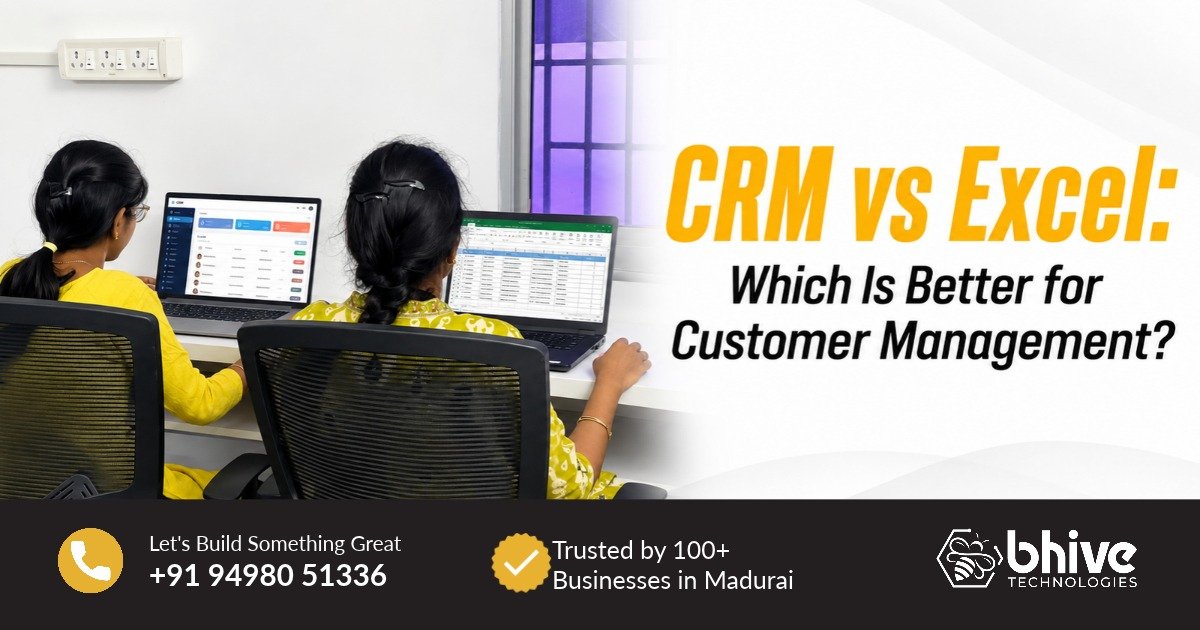
CRM vs Excel: Best Customer Management Solution in Chennai
Managing customer information may seem simple when a business is small. A few names, phone numbers, follow-ups, sales details, and customer notes can easily be maintained in an Excel sheet. However, as your customer base grows, manually updating and tracking information can become time-consuming and difficult to manage. This is where CRM software in Chennai can help businesses organize customer data, manage leads, track follow-ups, and streamline everyday sales activities from one centralized system.
If your team is still using Excel to manage customer details, leads, and follow-ups, it may be worth comparing CRM vs Excel to understand which approach suits your business needs. While Excel can work for basic data management, customer management software in Chennai can provide features such as automated follow-ups, lead tracking, customer history, task management, and organized sales pipelines. For growing Chennai businesses, choosing the right customer management solution can help improve productivity and make customer information easier to access and manage.Excel Is Simple — But Is It Enough for Growing Businesses?
Excel is familiar, affordable and easy to start with. Businesses can create spreadsheets to record customer names, contact numbers, enquiries, sales information and follow-up dates.For a small number of customers, this can work reasonably well. However, when multiple employees start accessing the same information, things can become complicated. Duplicate entries, outdated information, missed follow-ups and accidentally modified data can make customer management harder. For businesses looking for a more organized approach, CRM solutions in Chennai provide a centralized way to manage customer information.CRM vs Excel: What Is the Real Difference?
The biggest difference between CRM vs Excel is the way customer information is stored, organized, and managed. With Excel, teams typically enter and update customer details manually across spreadsheets, which can become difficult as data increases. A CRM, or Customer Relationship Management system, is specifically designed to manage customer interactions, leads, sales activities, follow-ups, and communication in a structured way. A CRM system in Chennai can bring customer information, leads, sales activities, follow-ups, and communication together on one centralized platform. Instead of searching through multiple Excel files or asking, “Where did we save that customer file?”, your team can quickly access relevant customer information from the CRM. customer management software in Chennai make this a practical solution for businesses looking to organize customer data and simplify day-to-day sales management.Managing Leads Becomes Easier with CRM Software
Imagine receiving 50 or 100 enquiries every month. With Excel, your sales team may need to manually update lead status, follow-up dates and customer information. As the number of leads increases, it becomes easier to overlook an enquiry. A CRM can help organize leads based on their current stage — such as new enquiry, contacted, interested, quotation sent or converted. For businesses searching for CRM software for small businesses in Chennai, this type of structured lead management can help sales teams maintain a clearer view of their pipeline.
No More Guessing About Follow-Ups
One of the biggest challenges in customer management is remembering when to follow up. A customer may have asked for a quotation today and requested a call next week. If that information is stored in an Excel sheet and nobody checks it at the right time, the opportunity could be missed. With customer relationship management software, businesses can organize follow-up activities and customer information in a centralized system. This gives sales teams a clearer way to keep track of ongoing conversations and pending activities.
What Happens When Multiple Employees Use Excel?
When multiple employees use Excel, managing the same customer data can become more complicated. Different team members may maintain separate copies of a spreadsheet, leading to outdated information, duplicate records, or accidental changes. For example, one employee may update a customer’s phone number while another continues working with an older version of the file, making it difficult for the team to know which information is current. A properly configured CRM software solution in Chennai provides a more organized way to manage shared customer information. Team members can access relevant customer records, update sales activities, track follow-ups, and maintain communication history within a centralized system. This helps businesses reduce dependency on multiple spreadsheets and create a more consistent approach to customer management in Chennai.Does Every Business Need CRM?
Not every business necessarily needs a CRM. If you have a small customer base and only need to maintain a basic list of contacts, Excel may still be a practical option. For businesses with simple customer management needs and a limited number of users, a spreadsheet can be enough to store names, phone numbers, enquiry details, and other basic information.However, if your business has multiple salespeople, regular enquiries, frequent follow-ups, and a growing customer database, CRM software can provide a more organized way to manage these activities. A CRM system in Chennai can help centralize customer information, track leads, manage follow-ups, and give teams better visibility into sales activities. Ultimately, the right choice depends on your business size, sales process, number of users, and customer management requirements.